



🎯 The Ultimate Guide to Stream Overlays: Make Your Stream Look Pro in Minutes
Whether you’re a Twitch streamer, YouTube creator, or going live on Kick — stream overlays are a powerful tool that can instantly elevate your content.
In this guide, we’ll break down everything you need to know about stream overlays:
what they are, why they matter, and how to get the best one for your brand — even if you're just starting.
🔍 What Are Stream Overlays?
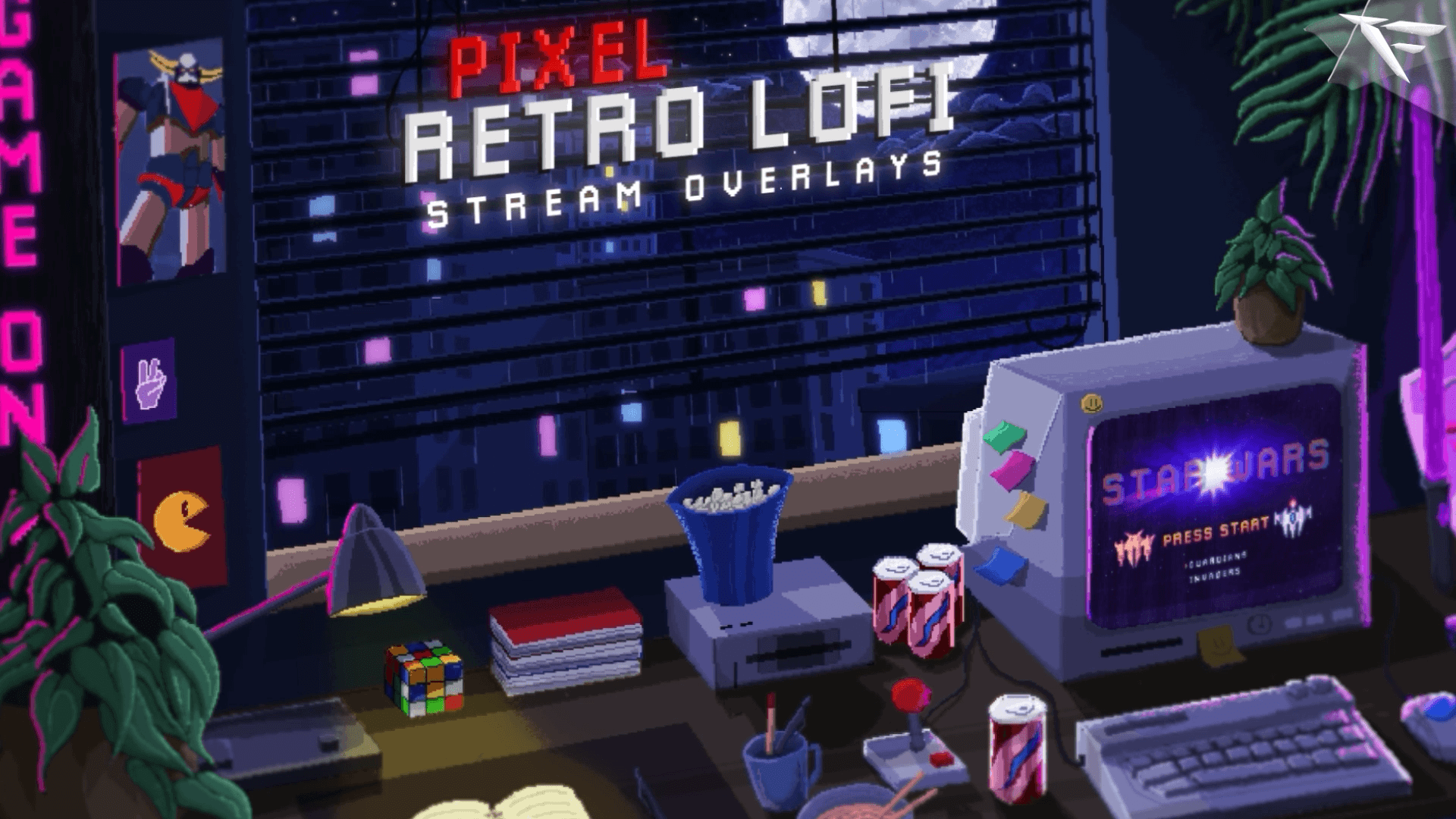
A stream overlay is a graphic layout that sits on top of your live broadcast. It’s what viewers see in addition to your gameplay or camera feed. Overlays include elements like:
-
Webcam frames
-
Alerts (followers, donations, subs)
-
Chat boxes
-
Labels (latest follower, top donator)
-
Starting/BRB/Ending scenes
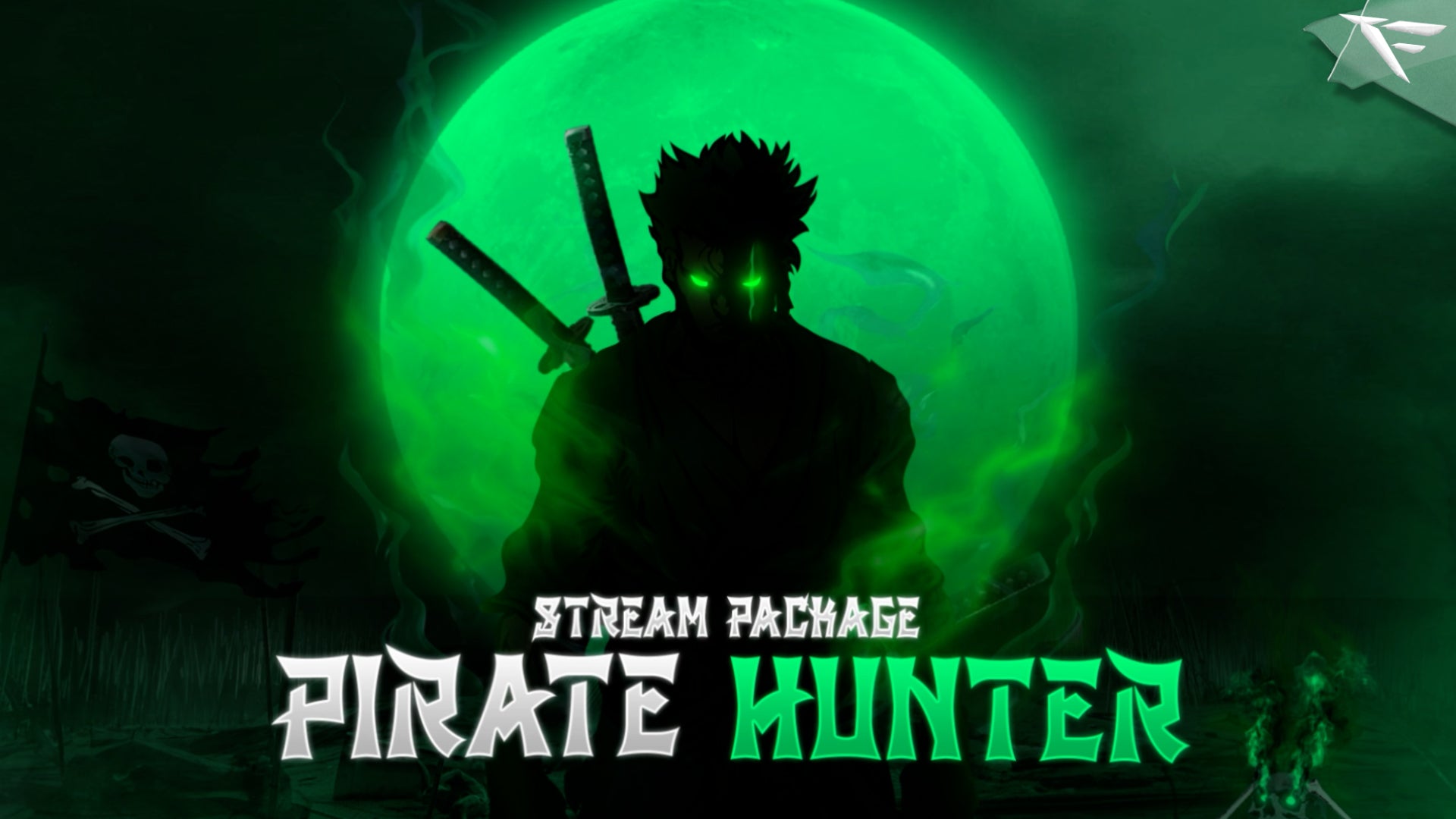
These visuals create your stream's identity — like the skin of your content.
🎨 Why Stream Overlays Matter
Here’s why a quality stream overlay is non-negotiable in 2025:
✅ 1. You Look More Professional
First impressions count. A clean overlay makes you look serious and ready for growth.
✅ 2. You Build a Visual Brand
Colors, fonts, and layout can make you instantly recognizable across platforms.
✅ 3. You Increase Viewer Retention
Good overlays keep your stream organized and less confusing, which makes people stay longer.
✅ 4. Better Viewer Engagement
Alerts and labels help viewers feel connected to you, increasing follows, tips, and subs.
🔥 Types of Stream Overlays You Need
🎥 1. Webcam Overlay
Frames your facecam while matching your brand colors.
💬 2. Stream Alerts
Animations for when someone follows, subscribes, donates, or raids your channel.
🧾 3. Labels
Display your latest supporter or top donor.
⏸️ 4. Stream Scenes
Custom graphics for stream starting, be right back, and stream ending screens.
💡 Best Places to Get Stream Overlays (Free & Paid)
Here are top platforms to grab premium or custom overlays:
| Site | Best For |
|---|---|
| FragileGFX | High-quality overlays for streamers in gaming & esports (Free & Premium) |
| Fiverr | Fully custom overlays by freelance designers |
| Nerd Or Die | Animated stream elements & packs |
| Hexeum | Clean, minimalist overlay packs |
| Elgato Marketplace | Tools + overlays for Elgato stream setups |
✅ Tip: FragileGFX even lets you sort overlays by game style — like Fortnite, Valorant, Warzone, and more.
🛠️ How to Use Stream Overlays (OBS & Streamlabs)
In OBS Studio:
-
Go to “Sources”
-
Add > Image or Media Source
-
Upload your overlay files (PNG or WebM)
-
Resize & position them as needed
In Streamlabs:
-
Go to Theme > My Overlays
-
Import .overlay file or use drag-and-drop
-
Sync your alerts and chat boxes
🧠 Tips for Choosing the Right Overlay
-
Choose overlays that match your vibe (clean, dark, neon, colorful, etc.)
-
Keep it minimal — too much clutter = viewer fatigue
-
Test on mobile view to make sure it doesn’t block gameplay or cam
-
Keep fonts readable
-
Update overlays every few months to refresh your stream look
📦 Free Stream Overlays
Want to test overlays without spending?
Check out FragileGFX’s Free Overlay Packs — used by 100,000+ streamers.
🚀 Final Thoughts
A stream overlay isn’t just decoration — it’s your brand, your vibe, and your viewer experience in one visual package.
If you’re serious about standing out, building a loyal audience, and looking like a pro…
Start with the right stream overlay today.