

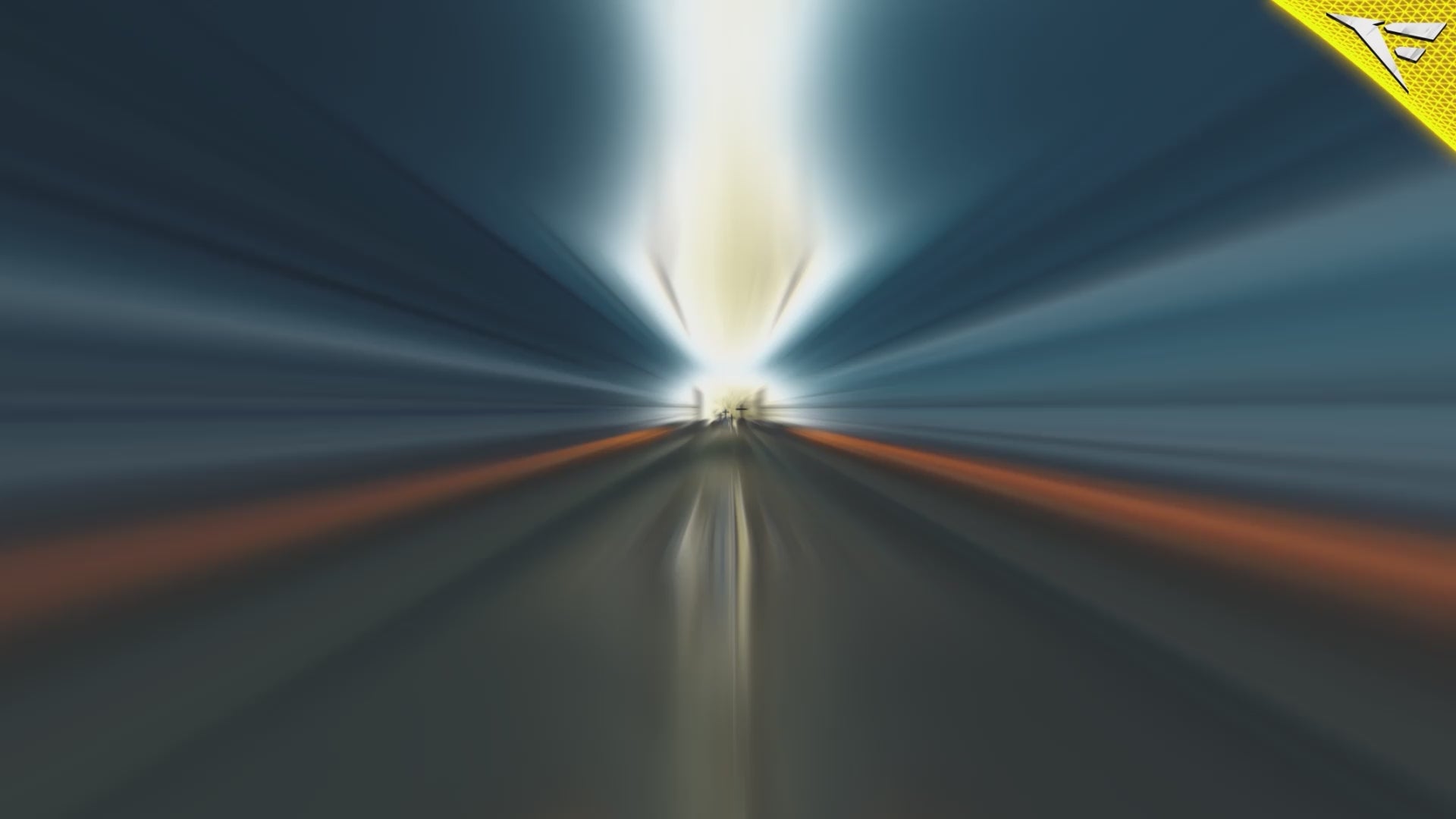
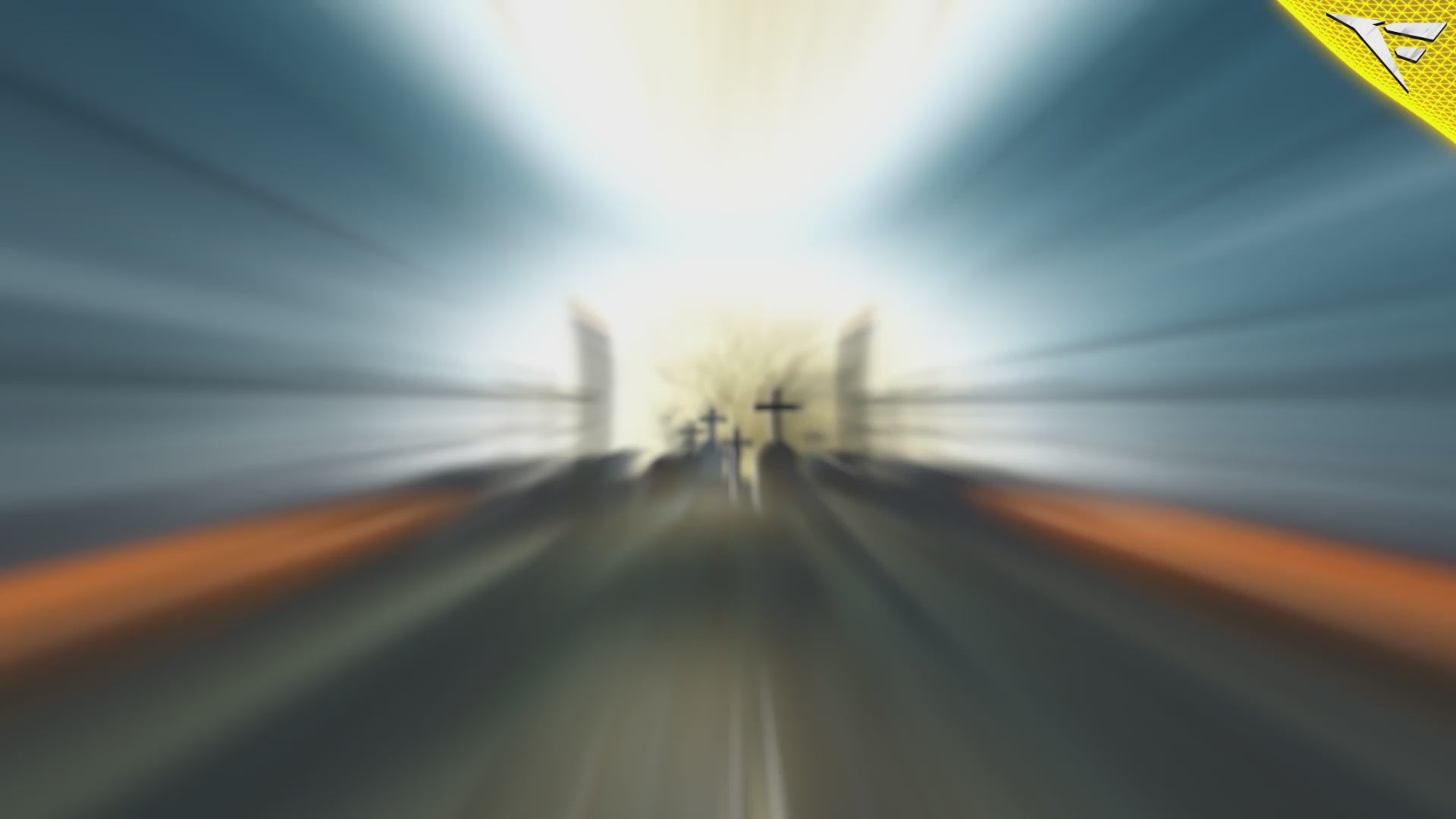
Spooky Night
🎃 Spooky Night Stream Overlay Package – Make Your Stream Hauntingly Memorable 👻
Transform your channel into a chilling, unforgettable experience with the Spooky Night Stream Package, a professional-grade Halloween-themed Twitch overlay crafted for streamers who want to captivate their audience during the spookiest season of the year. Whether you’re streaming horror games, hosting a Halloween event, or simply love eerie aesthetics, this package gives your stream the sinister edge it needs to stand out.
Designed with dark ambiance, ghostly animations, and haunted visuals, the Spooky Night Package is more than just an overlay—it’s a complete branding kit that immerses your viewers in a bone-chilling world of supernatural style. From animated scenes to eerie alerts, every element is built with clarity, cohesion, and streamer engagement in mind.
🕸️ Why Choose Spooky Night Package?
In a saturated world of streaming overlays, thematic packages like this are essential for seasonal engagement. When October rolls around, or any time you’re looking to build a horror-themed stream experience, Spooky Night becomes your ultimate go-to visual upgrade.
This package blends professional design, subtle motion, and handcrafted animations, giving off the perfect Halloween vibe without compromising visibility or stream performance. From fog overlays to spider web borders and glowing pumpkins, every detail has been thoughtfully included to elevate your stream’s atmosphere.
🟢 Perfect for These Use Cases:
-
Halloween Event Streams
-
Horror Game Streams (e.g., Phasmophobia, Dead by Daylight, Resident Evil, Silent Hill)
-
Twitch, Kick, YouTube, and Facebook Live
-
Spooky Podcast Visuals
-
Seasonal Rebranding for October or Horror-Themed Channels
Whether you're a casual streamer or a full-time content creator, this package gives your channel a visual identity that instantly communicates “spooky season.”
👀 What Makes It Special?
Unlike generic overlay templates, Spooky Night Package is crafted with a narrative in mind. You’re not just adding elements to your stream—you’re telling a story. Each transition, icon, and animation is soaked in the eerie, ghostly vibe of haunted forests, shadowy figures, and pumpkin-lit nights. It's spooky without being cheesy, creepy without being overdone.
✨ Highlights & Visual Identity
🟠 Animated Scenes
Bring your stream to life with motion-enhanced starting, BRB, ending, and offline screens. Soft lighting, animated mist, glowing jack-o’-lanterns, and flickering candlelight give your scenes an immersive haunted effect.
🟣 Webcam Frames & Stream HUDs
Bold but not overpowering, the webcam frames and HUDs are designed to complement your gameplay and keep the viewer focused while subtly reminding them it’s Halloween time.
🟢 Alerts & Labels
Spooky pop-up alerts with ghostly transitions make your subscriber and donation notifications impossible to miss. Match your alerts with Halloween-styled labels for a fully integrated look.
🔵 Chat Box Overlay
A themed chat box overlay that lets your viewers' messages appear in style. Designed to reflect a haunted parchment look with subtle animations.
🟡 Stream Panels & Buttons
Clean, easy-to-read buttons with themed icons for Discord, About Me, Donate, and more—perfect for your Twitch panels. Each button comes in both static and hover-effect styles.
🧩 Compatibility & Easy Setup
Whether you stream on OBS Studio, Streamlabs, or any other broadcasting software, the Spooky Night Package is 100% compatible and comes with simple drag-and-drop setup instructions. You’ll find .WEBM and .PNG formats, making this package optimized for performance across all platforms.
This overlay package is built with ease-of-use in mind. Even beginner streamers will find the installation process intuitive and fast. You’ll be up and running with your new haunted look in minutes.
🧠 Built with the Streamer’s Mindset
We know that a great overlay should never distract from your content. That’s why the Spooky Night Stream Package has been fine-tuned with balance: enough design to build atmosphere, but subtle enough to keep the spotlight on you and your gameplay.
Plus, the layout has been optimized for mobile and desktop viewers alike, ensuring that your branding looks sharp on every screen.
📦 What’s Inside the Package?
Note: While we won’t list every single asset, this package contains the full suite of animated and static overlays you need to theme your entire channel. From opening scenes to alerts and labels, you’re fully covered.
Expect to receive:
-
Animated stream screens (Starting Soon, BRB, Ending, Offline)
-
Halloween-themed webcam borders
-
Twitch panel buttons
-
Alert box designs
-
Label templates (Latest Follower, Recent Donation, etc.)
-
Animated stingers / transitions
-
Chat box overlays
-
And more surprises 👻
🚀 Why Spooky Night is Worth It
✅ Premium Quality – Built by elite designers at FragileGFX
✅ Optimized for Performance – Light on CPU, heavy on aesthetics
✅ Fully Animated – With carefully timed transitions and effects
✅ Multi-Platform Ready – Twitch, YouTube, Facebook, Kick
✅ Fast Installation – With simple instructions and drag-n-drop assets
✅ Limited-Time Seasonal Engagement – Leverage Halloween for growth
✅ Future-Proof Design – Keep using it for horror streams all year round
🎯 Boost Your Stream's Professionalism
As a content creator, the way your stream looks speaks volumes about your brand. A high-quality overlay like Spooky Night tells viewers you care about their experience—and helps you attract, engage, and retain your audience better.
Whether you’re going live for a Halloween one-shot event, or you want a year-round horror stream identity, this package equips you with everything you need to leave a lasting impression.
🔥 Make the Most of Halloween
Spooky Night isn’t just an overlay—it’s your chance to connect with your audience during the most engaging streaming season of the year. Don’t settle for generic designs when you can stand out with a professionally-crafted, scary-good experience.
💀 Ready to give your stream the haunted upgrade it deserves?
Download the Spooky Night Package now and let the screams begin…
Only on FragileGFX.com
What's Included
Package contents
What you get from buying this full pack.
Animated
Animated
Animated
2 Different versions
Static
Contact for changes
Animated
For all platforms
Animated
Animated
Animated
Animated
Animated
For Streamlabs & OBS Studio
Youtube Videos
Static
With PSD file to edit
Static
With PSD file to edit
All you need to know
Tutorials designed exclusively to simplify the setup of each and every component of our Stream Overlays
One-Click Installation
Our premade installation files make it a breeze to incorporate overlays and alerts into any stream you select.
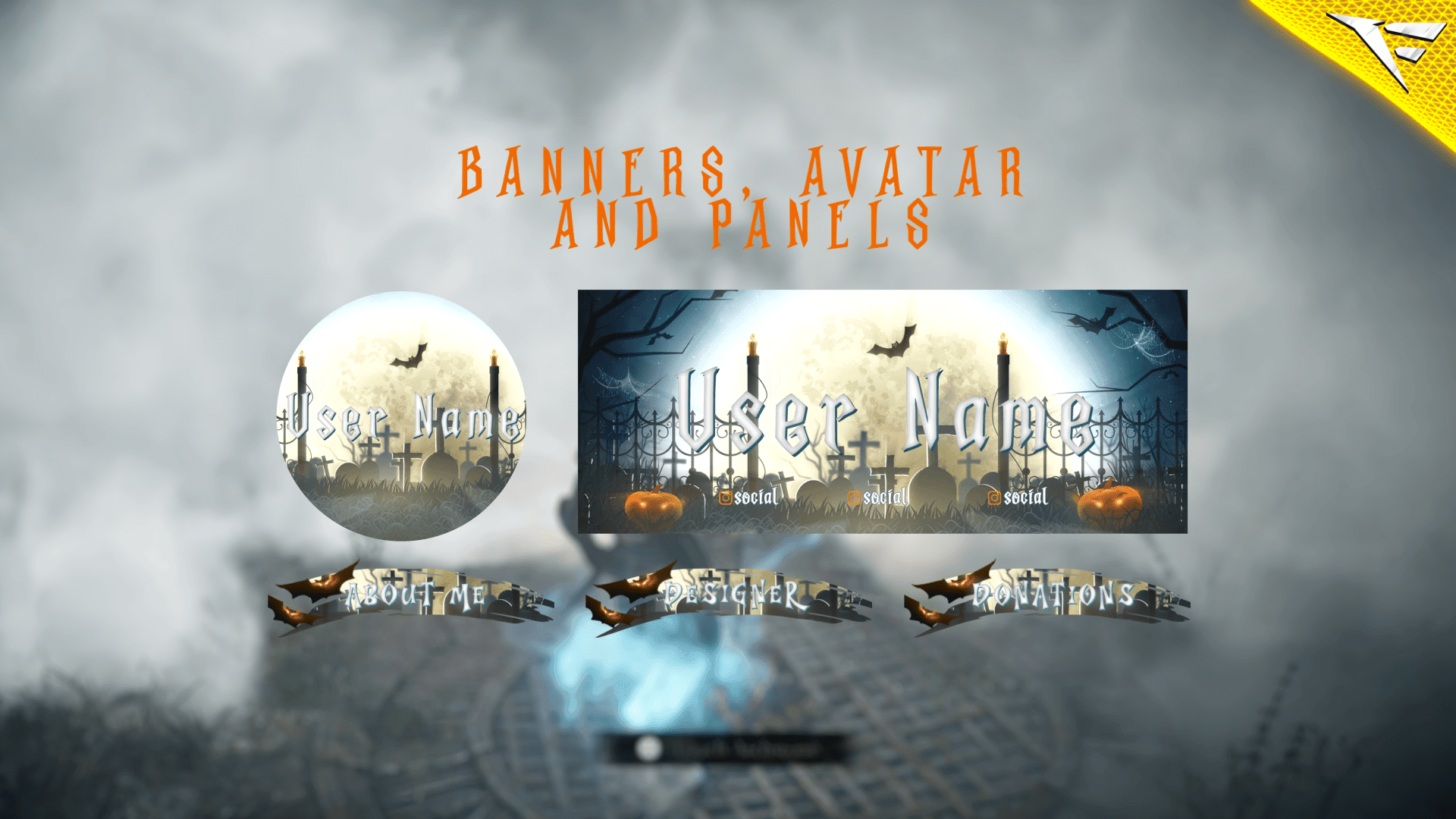
Banner and Profile Pic
You can easily edit your Banner or profile pic through Photoshop, As shown it's a simple as changing a text, If you don't have Photoshop then just contact us through live chat or Discord and we will do it for you.
Support
You can contact us via Discord for more effectively support and to get your revisions done in a minute.
You also might like




FAQ
Possible inquiries about our services and Stream Overlays
How do I install this Twitch overlay in OBS?
To install this Twitch overlay in OBS
- Download the overlay files from your order confirmation email.
- Open OBS Studio.
- Click the '+' icon under Sources and select 'Browser'.
- Name your source and click OK.
- Check 'Local file' and browse to the downloaded overlay HTML file.
- Set Width to 1920 and Height to 1080.
- Click OK to add the overlay to your scene.
Is this Twitch overlay compatible with Streamlabs Desktop?
Yes! All FragileGFX overlays are compatible with both OBS Studio and Streamlabs Desktop. The installation process is similar - simply add the overlay files as a browser source in either streaming software.
Can I customize the colors of this overlay?
Yes, our overlays are fully customizable. Each overlay package includes documentation on how to change colors, text, and other elements.
What resolution is this Twitch overlay?
All FragileGFX overlays are designed in 1920x1080 (Full HD) resolution, which is the standard streaming resolution for Twitch and YouTube. They will automatically scale to fit your stream settings.
Do I need any special software to use this overlay?
ou only need streaming software like OBS Studio (free) or Streamlabs OBS (free) to use our overlays. No additional software or subscriptions are required. The overlays work right out of the box.
Can I use this overlay for commercial streaming?
Yes! Once you purchase a FragileGFX overlay, you have a commercial license to use it on your Twitch, YouTube, or Facebook Gaming streams. You can monetize your streams without any additional fees.
What's included in this Twitch overlay package?
Each overlay package typically includes: webcam frame, alert overlays (follow, subscribe, donation), transition screens, starting soon screen, be right back screen, ending screen, and all necessary graphics files. Specific items vary by package - check the product description for full details.
Will this work with StreamElements or other alert systems?
Yes, our overlays are compatible with all major alert systems including StreamElements, Streamlabs Alerts, and StreamLabs. The overlays are designed to work alongside these services seamlessly.