



Fifa World Cup
FIFA World Cup Stream Overlay Package
Unleash the Passion. Stream Like a Champion.
Bring the excitement of the world's greatest football tournament to your stream with the FIFA World Cup Stream Overlay Package. Whether you're a FIFA gamer, a football analyst, or just a fan celebrating every goal with your community — this package is your ticket to a world-class streaming experience.
⚽ Designed for Football Lovers
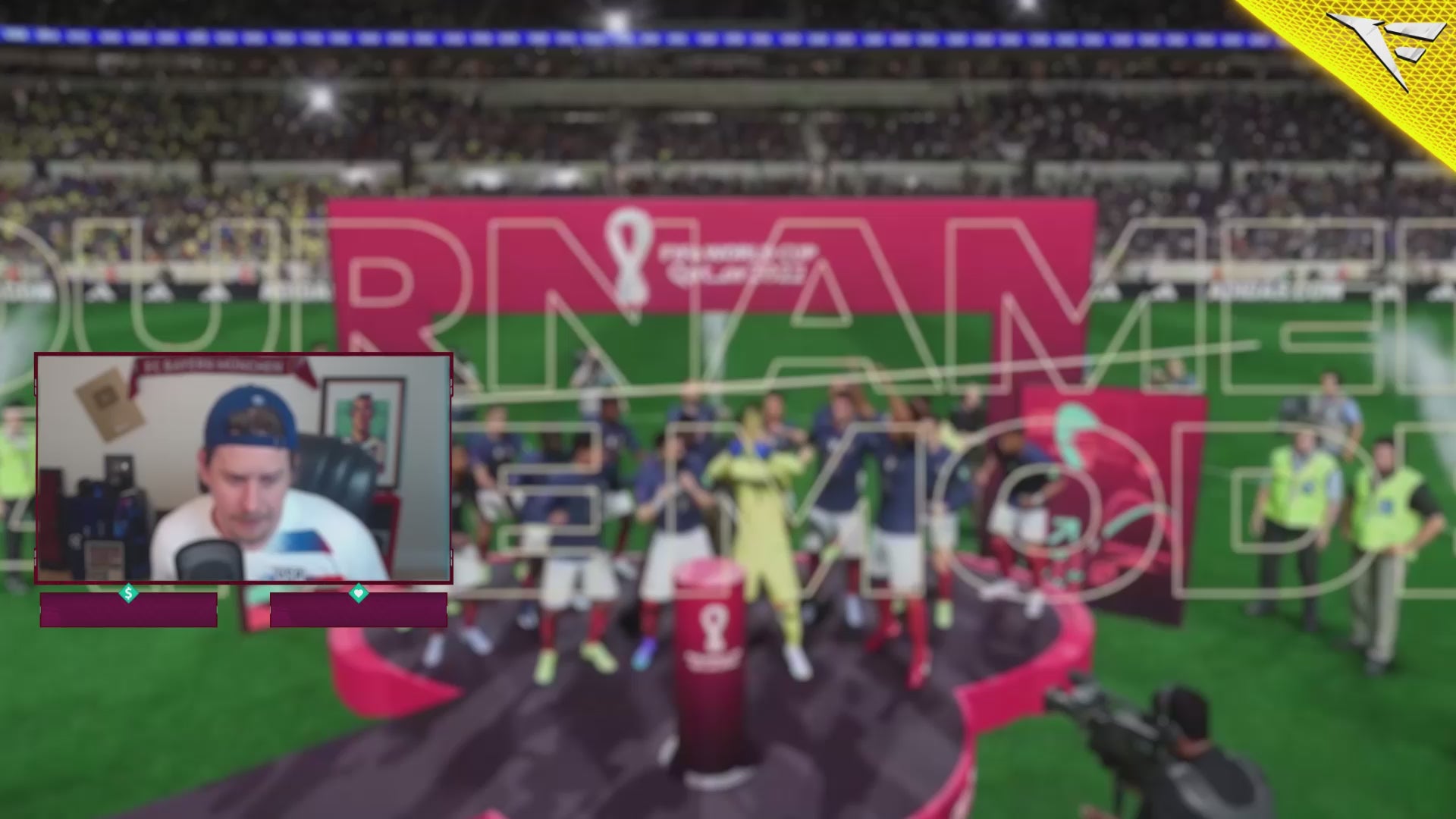
Every visual element in this package is crafted to capture the electrifying energy of the World Cup. With bold motion graphics, animated overlays, and a design language inspired by international stadiums, you're not just streaming — you're broadcasting your own global event.
From pre-match hype to post-game celebrations, your stream will look like it's produced by a professional studio. Clean transitions, dynamic scenes, and powerful visuals make this package a must-have for any football-focused content creator.
🌍 Who Is This For?
-
Twitch and YouTube streamers who focus on football games like FIFA, eFootball, or Football Manager.
-
Esports casters covering football tournaments or sim leagues.
-
Watch party hosts reacting to real-life World Cup matches with their audience.
-
Content creators building highlight reels or football-based YouTube content.
If football lives in your heart — this package should live in your stream.
🔥 Key Features
-
Fully animated stream overlays inspired by FIFA World Cup aesthetics
-
Modular setup – works with any streaming software (OBS, Streamlabs, etc.)
-
Matching color themes and dynamic text areas
-
Easily customizable and optimized for all screen formats
-
Fast & smooth performance – zero lag overlays
-
Layered assets to help you build your own unique scene layout
🛠️ Built for Simplicity
You don’t need to be a tech wizard to use this package. Simply drag and drop your assets into OBS or Streamlabs and go live. Setup is fast, intuitive, and backed by clear documentation to get you ready for game time in minutes.
🎮 Compatible With:
-
FIFA 24 / FIFA 23 / FIFA Online
-
eFootball / PES
-
Football Manager
-
Twitch, Kick, YouTube Live
-
OBS Studio, Streamlabs, StreamElements
💬 Community Ready
This isn’t just a graphics package — it’s your stadium, your scoreboard, your anthem. Use it to bring your community closer together, celebrate wins, analyze losses, and keep the World Cup spirit alive all year long.
📦 Files Included
-
Animated overlay files (WebM)
-
Source files (PNG + optional PSD)
-
Transition stingers
-
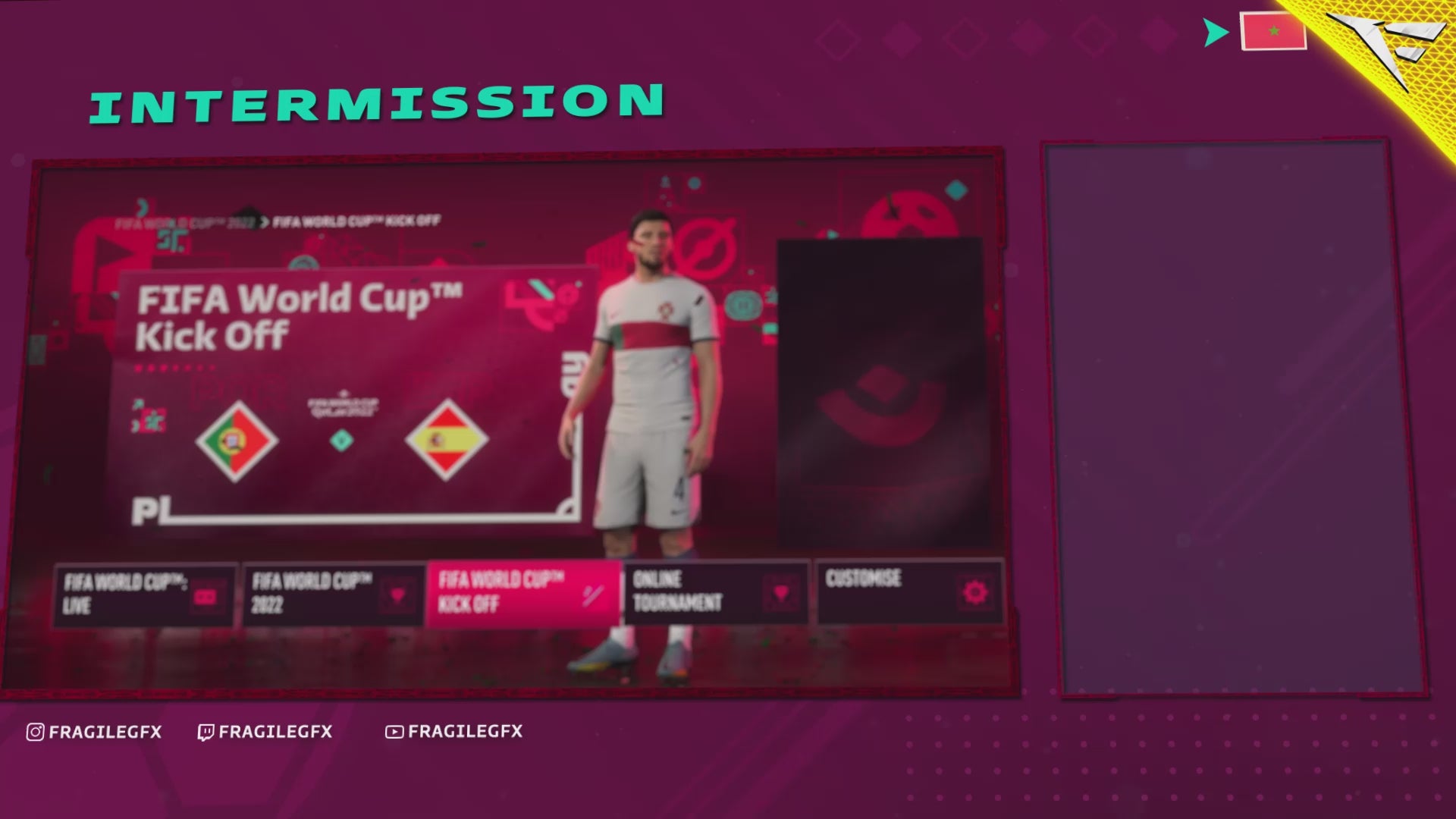
Alerts and intermission scenes
-
Easy install instructions
🏆 Stream with Purpose
This is more than a visual upgrade — it’s a signal to your viewers that your content deserves the world stage. Whether you're commentating matches or competing in them, FIFA World Cup Stream Overlay Package turns your channel into a true football destination.
🔗 Ready to level up your stream?
Grab the FIFA World Cup Package now and show your community what a champion looks like — on and off the pitch.
What's Included
Package contents
What you get from buying this full pack.
Animated
Animated
Animated
2 Different versions
Static
Contact for changes
Animated
For all platforms
Animated
Animated
Animated
Animated
Animated
For Streamlabs & OBS Studio
Youtube Videos
Static
With PSD file to edit
Static
With PSD file to edit
All you need to know
Tutorials designed exclusively to simplify the setup of each and every component of our Stream Overlays
One-Click Installation
Our premade installation files make it a breeze to incorporate overlays and alerts into any stream you select.
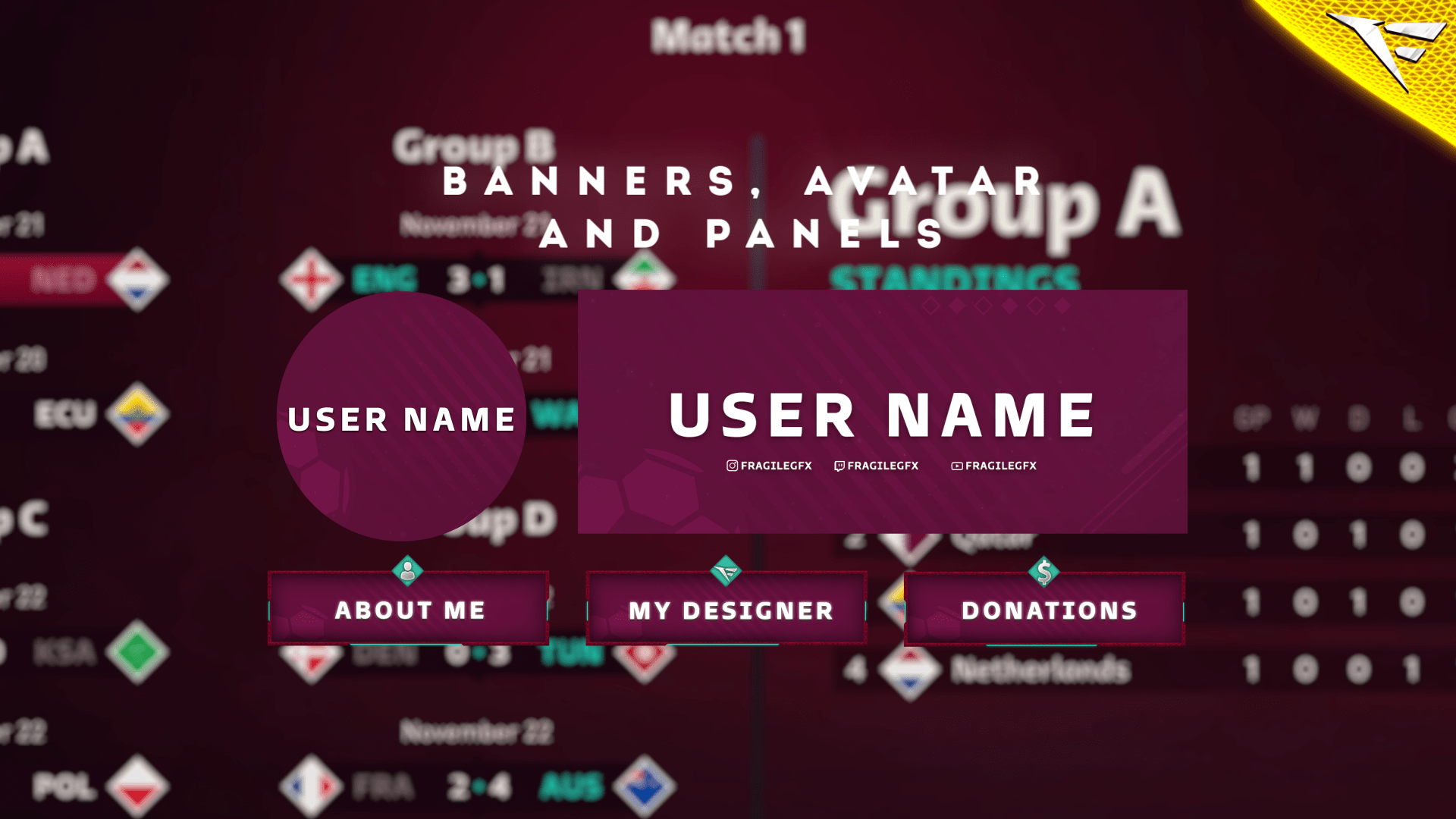
Banner and Profile Pic
You can easily edit your Banner or profile pic through Photoshop, As shown it's a simple as changing a text, If you don't have Photoshop then just contact us through live chat or Discord and we will do it for you.
Support
You can contact us via Discord for more effectively support and to get your revisions done in a minute.
You also might like




FAQ
Possible inquiries about our services and Stream Overlays
How do I install this Twitch overlay in OBS?
To install this Twitch overlay in OBS
- Download the overlay files from your order confirmation email.
- Open OBS Studio.
- Click the '+' icon under Sources and select 'Browser'.
- Name your source and click OK.
- Check 'Local file' and browse to the downloaded overlay HTML file.
- Set Width to 1920 and Height to 1080.
- Click OK to add the overlay to your scene.
Is this Twitch overlay compatible with Streamlabs Desktop?
Yes! All FragileGFX overlays are compatible with both OBS Studio and Streamlabs Desktop. The installation process is similar - simply add the overlay files as a browser source in either streaming software.
Can I customize the colors of this overlay?
Yes, our overlays are fully customizable. Each overlay package includes documentation on how to change colors, text, and other elements.
What resolution is this Twitch overlay?
All FragileGFX overlays are designed in 1920x1080 (Full HD) resolution, which is the standard streaming resolution for Twitch and YouTube. They will automatically scale to fit your stream settings.
Do I need any special software to use this overlay?
ou only need streaming software like OBS Studio (free) or Streamlabs OBS (free) to use our overlays. No additional software or subscriptions are required. The overlays work right out of the box.
Can I use this overlay for commercial streaming?
Yes! Once you purchase a FragileGFX overlay, you have a commercial license to use it on your Twitch, YouTube, or Facebook Gaming streams. You can monetize your streams without any additional fees.
What's included in this Twitch overlay package?
Each overlay package typically includes: webcam frame, alert overlays (follow, subscribe, donation), transition screens, starting soon screen, be right back screen, ending screen, and all necessary graphics files. Specific items vary by package - check the product description for full details.
Will this work with StreamElements or other alert systems?
Yes, our overlays are compatible with all major alert systems including StreamElements, Streamlabs Alerts, and StreamLabs. The overlays are designed to work alongside these services seamlessly.